
JAMB CAPS: How to Check Admission Status
Getting a JAMB score is only one part of the admission journey. The big question every candidate eventually asks is: “Have I been admitted?”
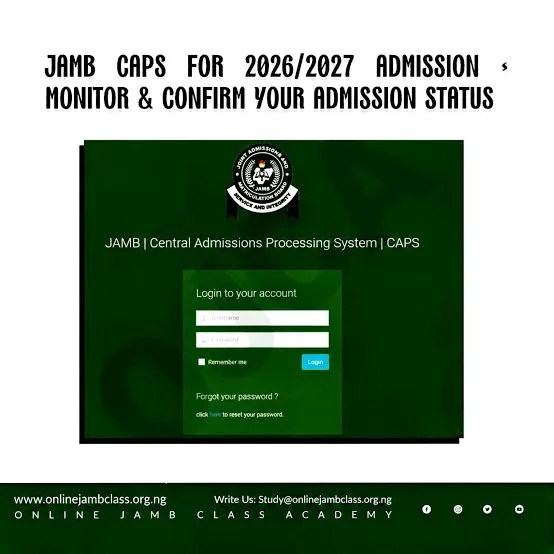
The answer can be found on the JAMB Central Admissions Processing System, popularly known as CAPS. CAPS was created by JAMB to automate the admission process and allow candidates to monitor their admission status and respond to admission offers.
To check your status, log into the JAMB e-Facility using the details connected to your JAMB profile and navigate to the admission/CAPS section. Depending on your status, you may see an admission offer that requires your response.
If you receive an offer, don’t rush to celebrate without reading the details carefully. Check the institution, course and admission information before accepting.
Pro tip: Check your CAPS regularly because admission offers can be processed at different times.
JAMB e-Facility Portal
Getting a JAMB score is only one part of the admission journey. The big question every candidate eventually asks is: “Have I been admitted?”
The answer can be found on the JAMB Central Admissions Processing System, popularly known as CAPS. CAPS was created by JAMB to automate the admission process and allow candidates to monitor their admission status and respond to admission offers.
To check your status, log into the JAMB e-Facility using the details connected to your JAMB profile and navigate to the admission/CAPS section. Depending on your status, you may see an admission offer that requires your response.
If you receive an offer, don’t rush to celebrate without reading the details carefully. Check the institution, course and admission information before accepting.
Pro tip: Check your CAPS regularly because admission offers can be processed at different times.
JAMB e-Facility Portal
👍 1