
Lost access to the phone number or email linked to your JAMB profile?
JAMB has provided a procedure for candidates who need to carry out a SIM swap, email change, or both.
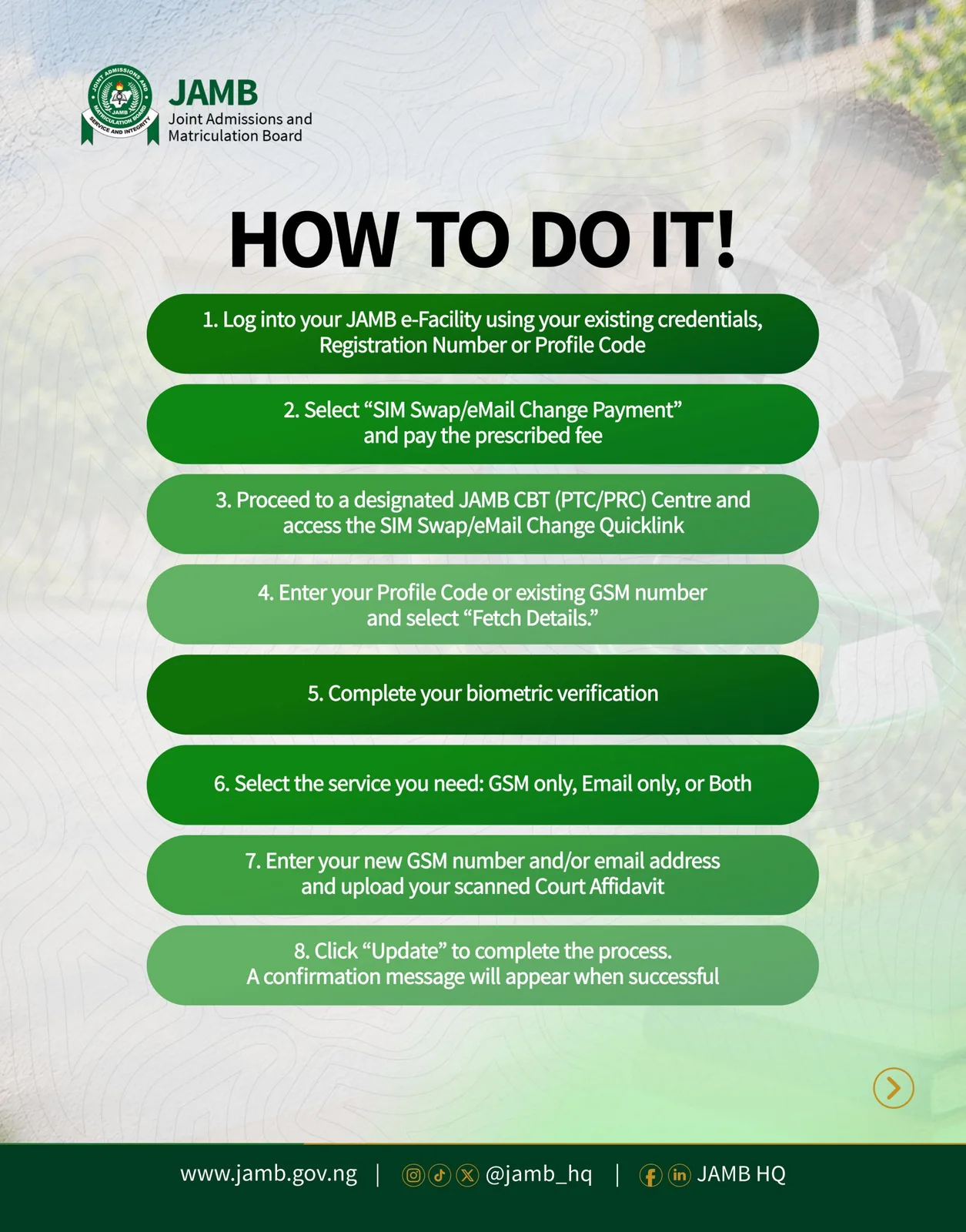
According to the information in the JAMB guide, candidates can follow these steps:
How to Change Your JAMB SIM or Email
1. Log into JAMB e-Facility using your existing credentials, registration number or profile code.
2. Select “SIM Swap/Email Change Payment” and pay the prescribed fee.
3. Visit a designated JAMB CBT (PTC/PRC) Centre and access the SIM Swap/Email Change Quicklink.
4. Enter your Profile Code or existing GSM number and select “Fetch Details.”
5. Complete your biometric verification.
6. Select the service you require — GSM only, Email only, or Both.
7. Enter your new GSM number and/or email address and upload your scanned Court Affidavit.
8. Click “Update” to complete the process. A confirmation message should appear when the update is successful.
Important for Candidates
Candidates should ensure that the information they provide is accurate and complete the biometric verification at the designated JAMB centre.
If your old JAMB phone number or email is no longer accessible, this process may be relevant to you.
📌 Source shown on the guide: Joint Admissions and Matriculation Board (JAMB) — www.jamb.gov.ng
JAMB has provided a procedure for candidates who need to carry out a SIM swap, email change, or both.
According to the information in the JAMB guide, candidates can follow these steps:
How to Change Your JAMB SIM or Email
1. Log into JAMB e-Facility using your existing credentials, registration number or profile code.
2. Select “SIM Swap/Email Change Payment” and pay the prescribed fee.
3. Visit a designated JAMB CBT (PTC/PRC) Centre and access the SIM Swap/Email Change Quicklink.
4. Enter your Profile Code or existing GSM number and select “Fetch Details.”
5. Complete your biometric verification.
6. Select the service you require — GSM only, Email only, or Both.
7. Enter your new GSM number and/or email address and upload your scanned Court Affidavit.
8. Click “Update” to complete the process. A confirmation message should appear when the update is successful.
Important for Candidates
Candidates should ensure that the information they provide is accurate and complete the biometric verification at the designated JAMB centre.
If your old JAMB phone number or email is no longer accessible, this process may be relevant to you.
📌 Source shown on the guide: Joint Admissions and Matriculation Board (JAMB) — www.jamb.gov.ng
👍 0